
SITUATION — Sticker book
Turn your Home’s photos into a sticker book
Start with today’s photos and find a layout that fits. Add “One-day diary”, “Family timeline”, “Letter paper” or “Messages from the family”. Before sharing, check what stays in your Home, what appears in saved images and what goes into the web copy.
Start here
- 1.Start with photos or a layout“Start from photos” lets you pick up to 12 photos and find layouts that fit their number and orientation. Or browse a sample book and start from a page you like.
- 2.Give your memories room for wordsWriting layouts include “One-day diary”, “Family timeline”, “Letter paper”, “Messages from the family” and “400-character manuscript paper”. Tap a text box to write, then finish to save. Vertical writing is available in supported boxes when the app is in Japanese or Traditional Chinese; English input is horizontal. Phone photos also go into the family album.
- 3.Check what you are sharingSaved images can show, blur or hide photos. Keep writing by choosing a mode other than Frames only. Continued pages save as separate images. The public web copy excludes photos and your writing, and can have a password.
HOW TO
Three steps in ienon
- 01
Find a layout from photos or a sample
In “Our sticker book”, choose “+ Add a page”, then “Start from photos”. Pick up to 12 photos from the family album or “From phone”, tap “See matching layouts”, select a layout and tap “Done”. Fill in any requested details to create a photo page; choose available paper if the paper picker appears. You can also start with a layout, or browse “See sample books” and tap “Make with this layout” on a page you like.
- 02
Add photos and write in the text boxes
For individual photos, tap a frame in the page editor. If the family album has photos and at least two frames are empty, use “Fill all at once” to select photos, then “Put in frames”. Adjust them, finish the photo selection and tap the page’s “Done”. For a writing page, filter layouts with “Write” and choose “One-day diary”, “Family timeline”, “Letter paper”, “Messages from the family” or “400-character manuscript paper”. Set any requested date, “Who writes” or “To”, then choose paper. Finish page editing to return to reading the book. Tap a text box, write and tap “Done” on the writing screen. New writing is horizontal in English; vertical writing is an option in Japanese and Traditional Chinese.
- 03
Save images or create a web copy
Use “Make an image” to preview photos and text, then “Save to Photos”. A page with continuations saves from the original onward, with one image per page. “Frames only” also hides your writing. For a link, open “Share on the web”, review the content and add a password if needed. Text you write does not appear in the public web copy.
SCREENS
See it in the app
These are app screens from version 16.3.0. The numbers match the 3 steps above.
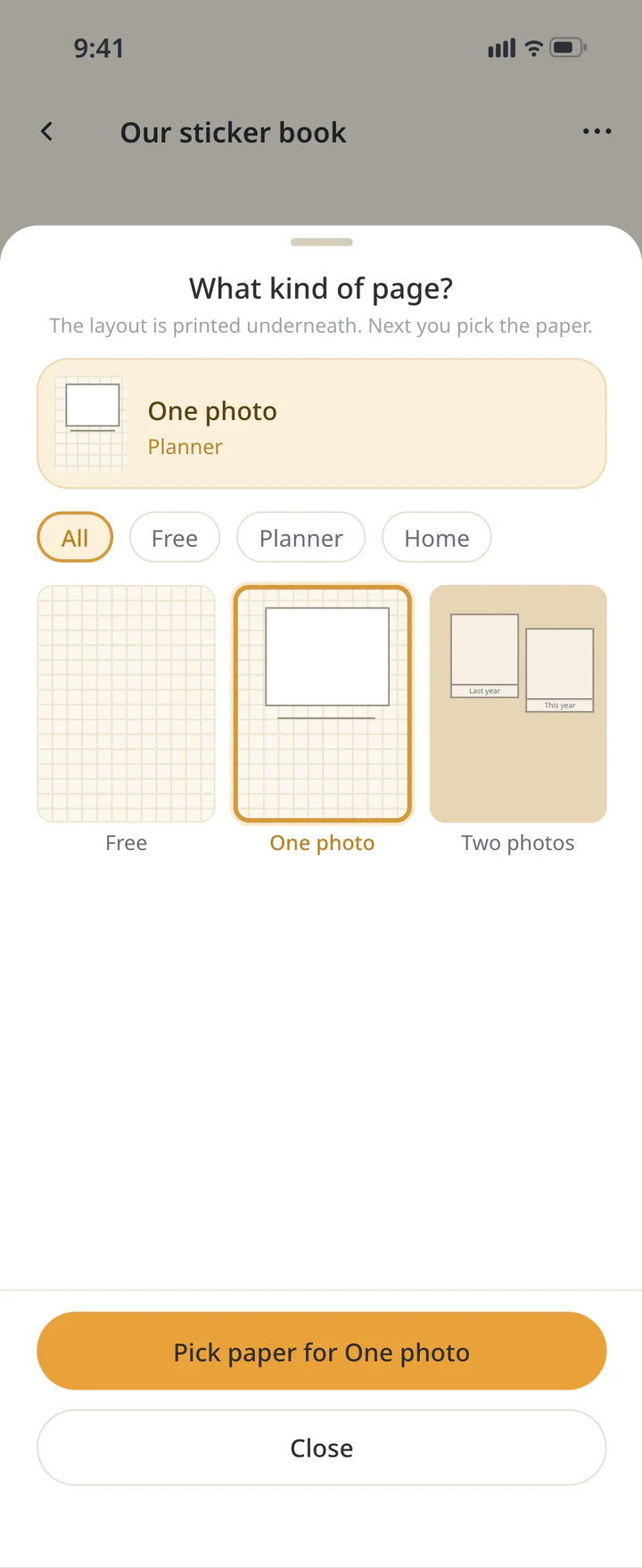 1Choose a photo layout and paper
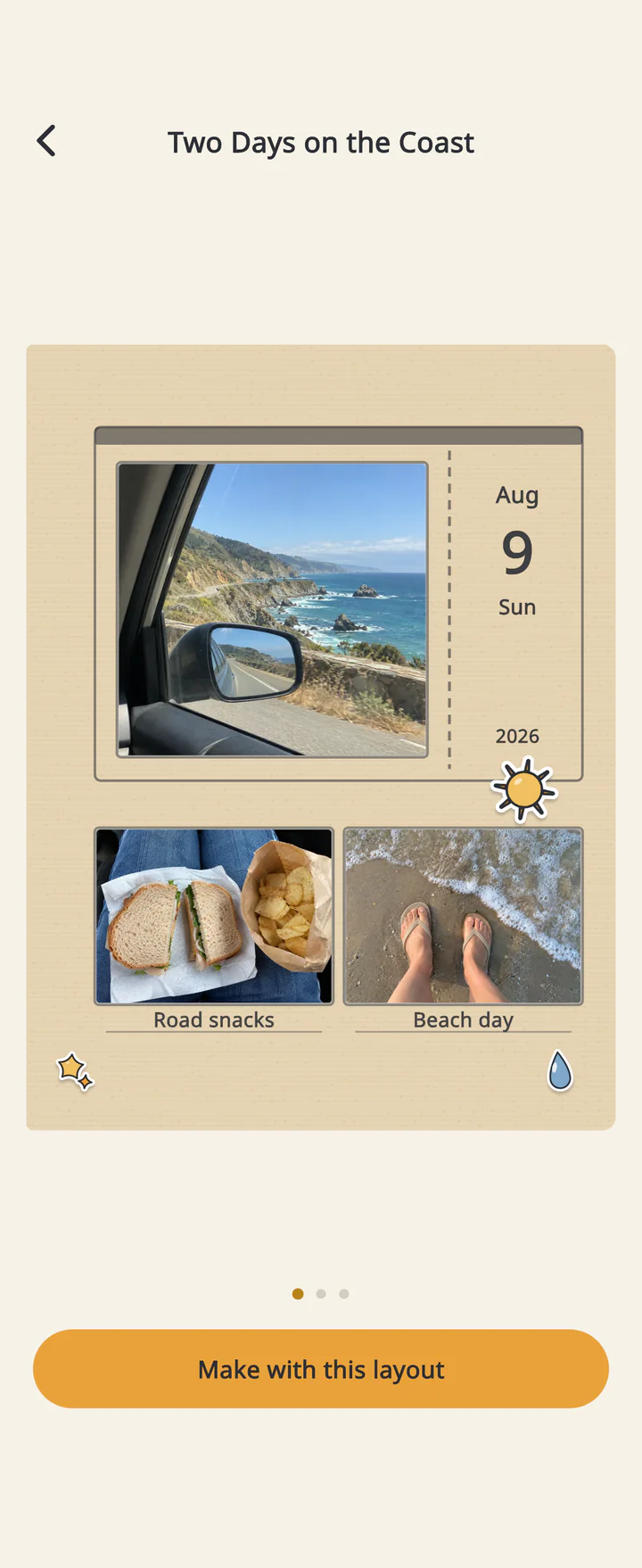 1Browse the sample books for ideas
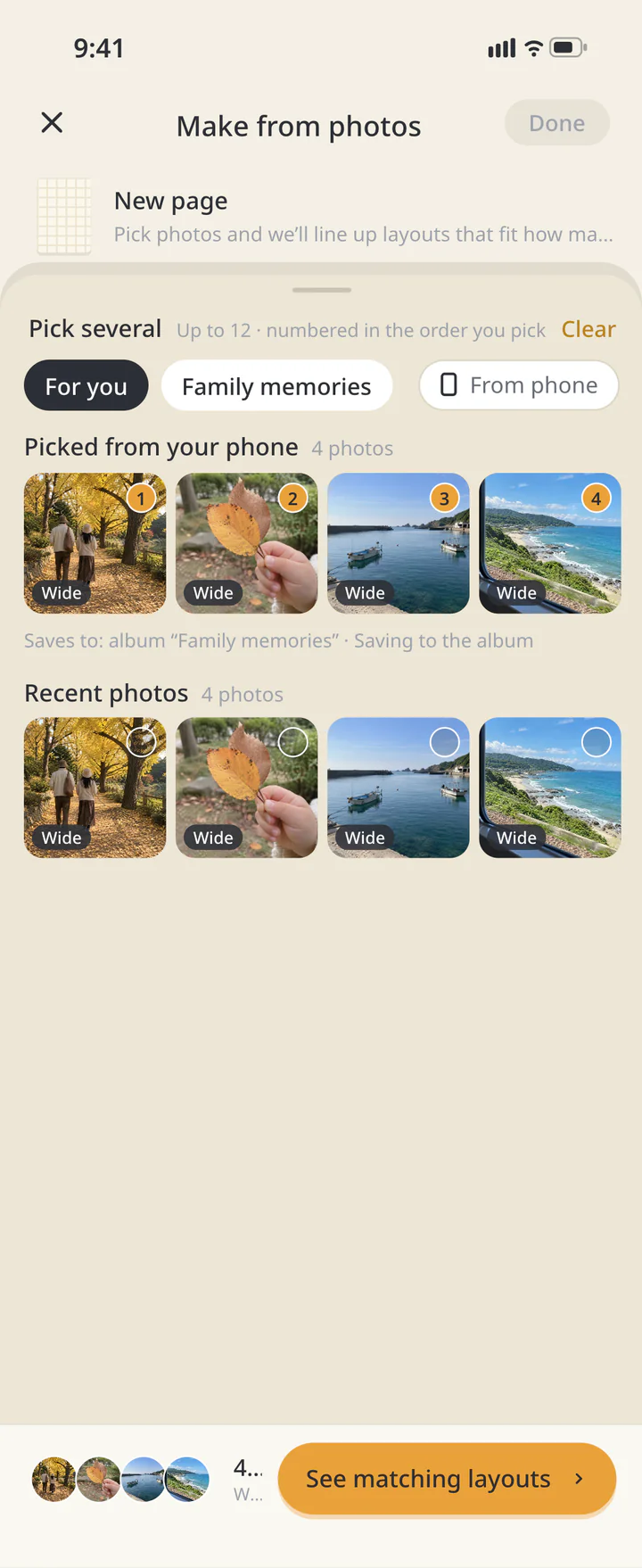 1Pick several photos from the album or your phone
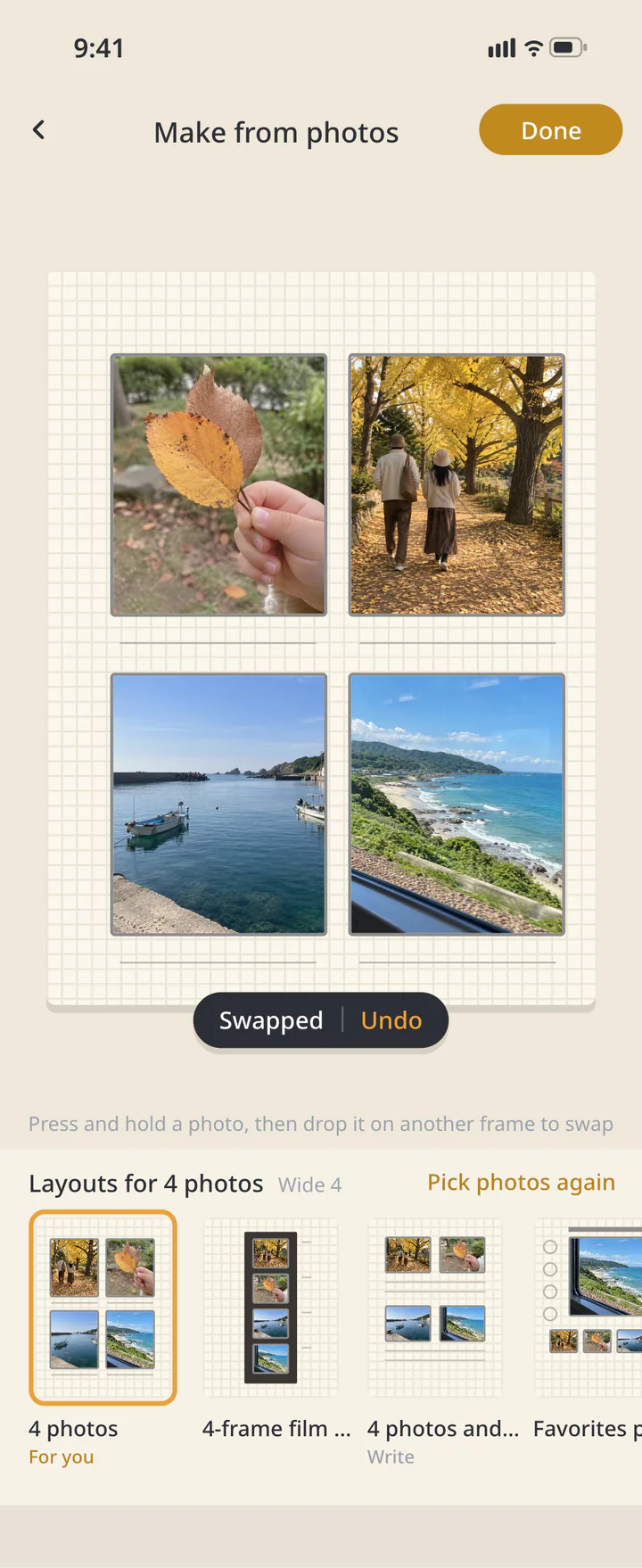 1Choose a matching layout and create the page
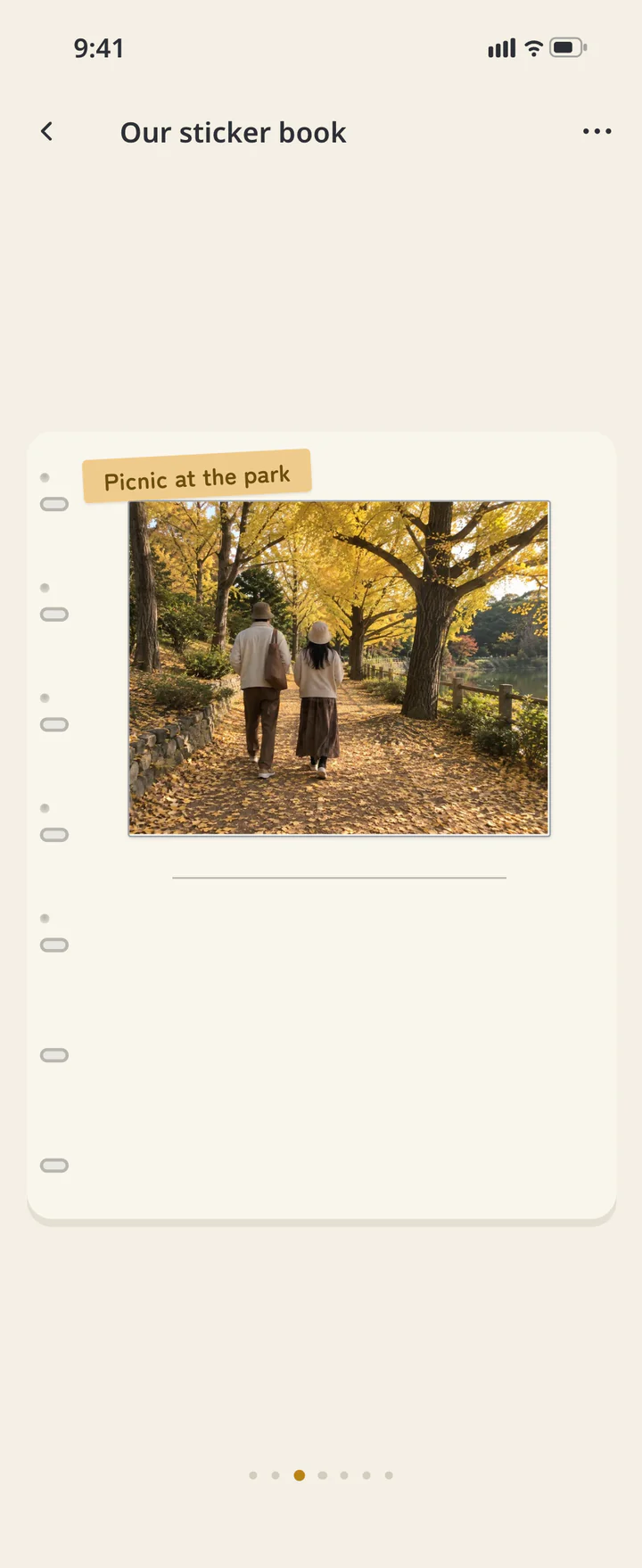 2Place photos and finish the page
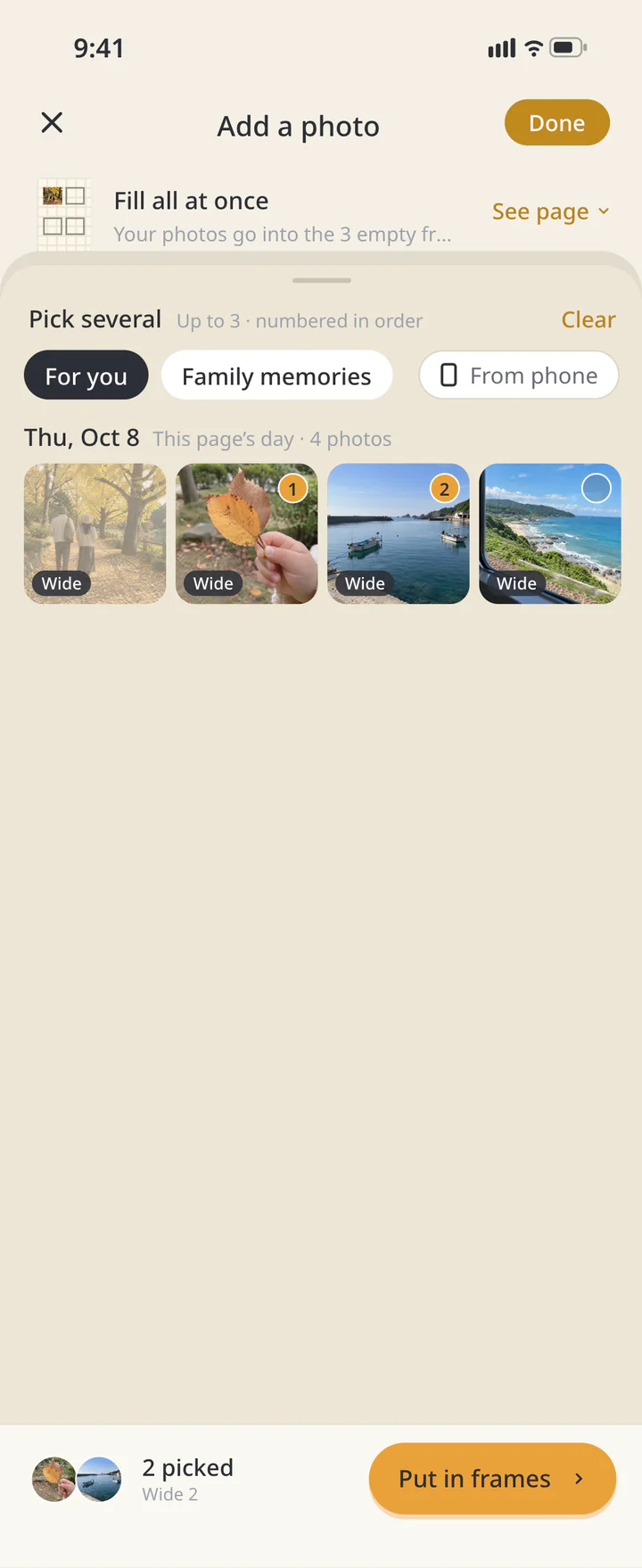 2Fill several empty frames at once
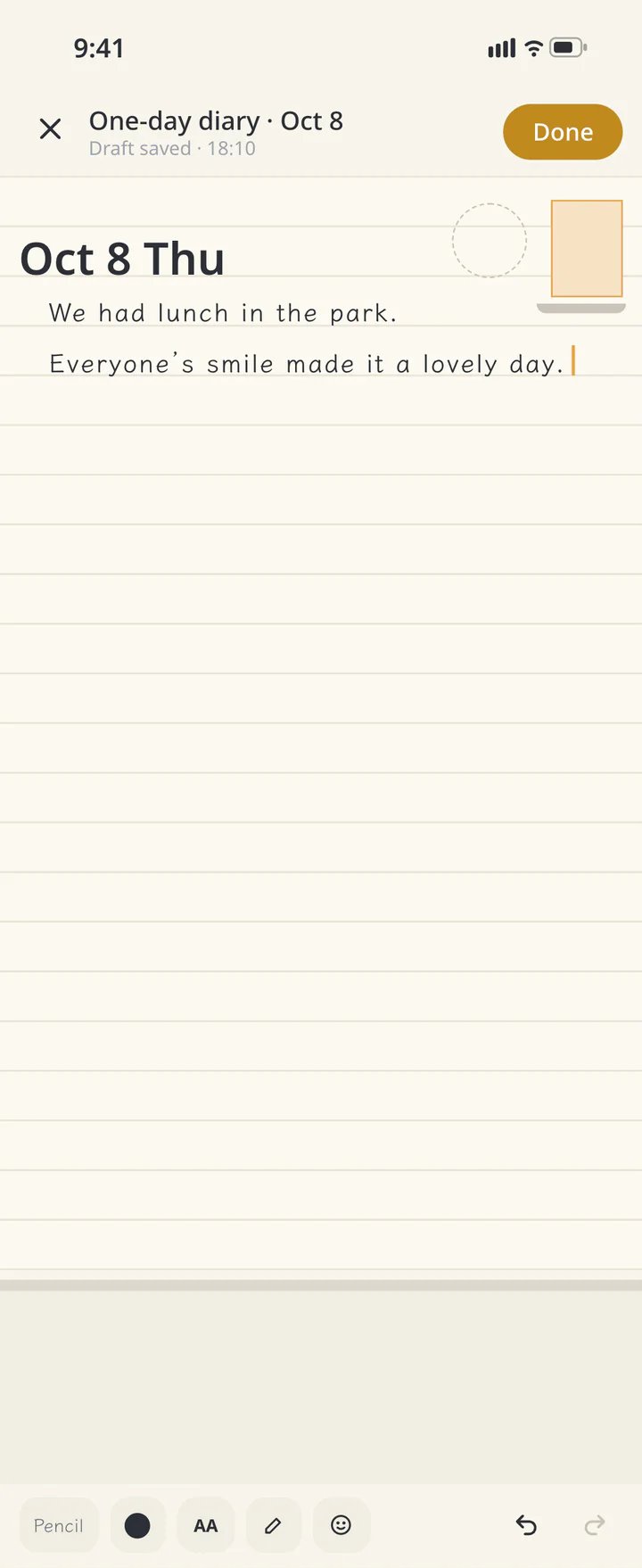 2Write in “One-day diary”
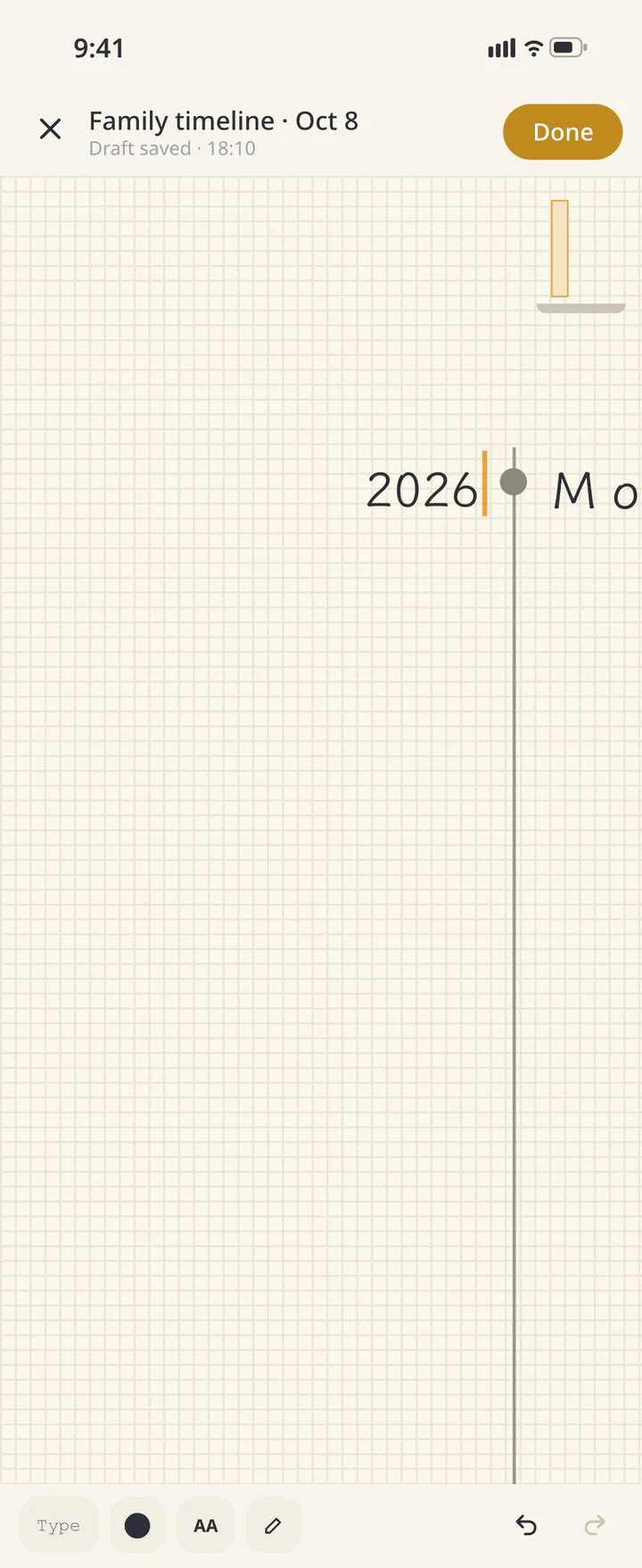 2Add years and events to “Family timeline”
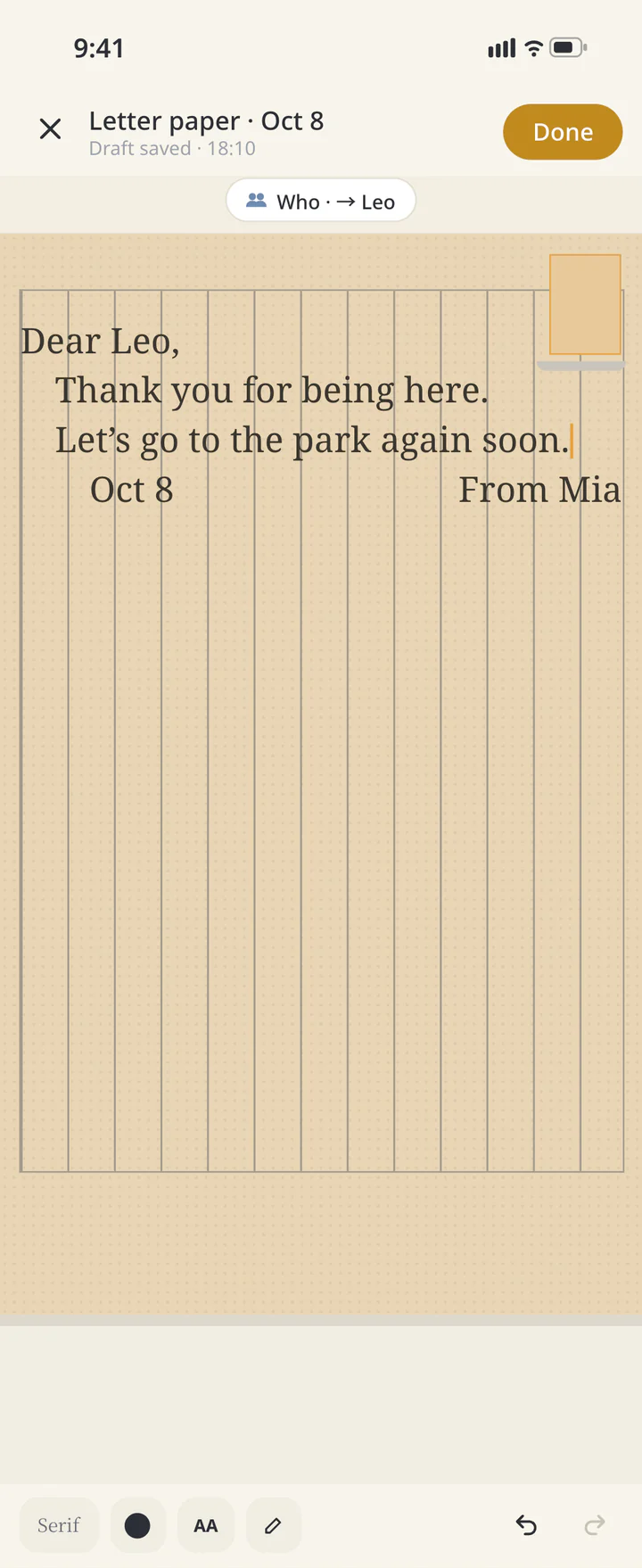 2Choose a recipient and write on “Letter paper”
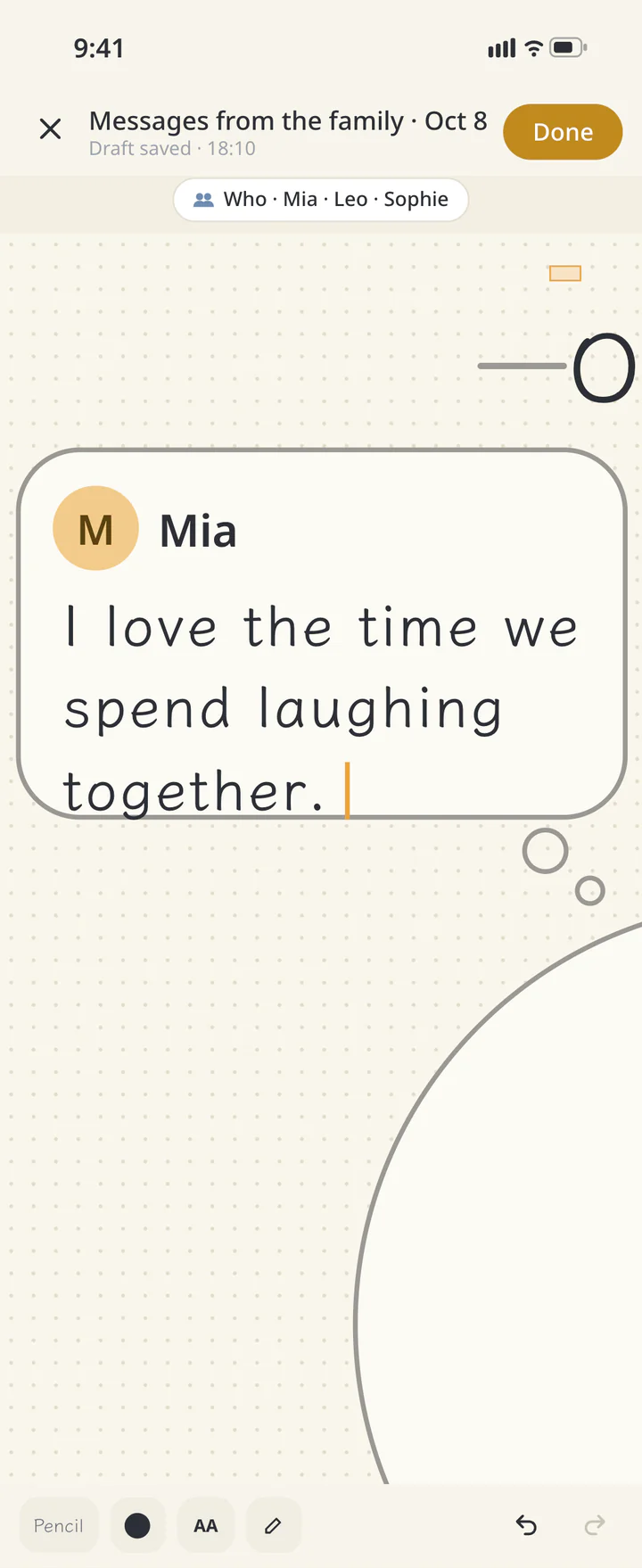 2Write in your assigned box in “Messages from the family”
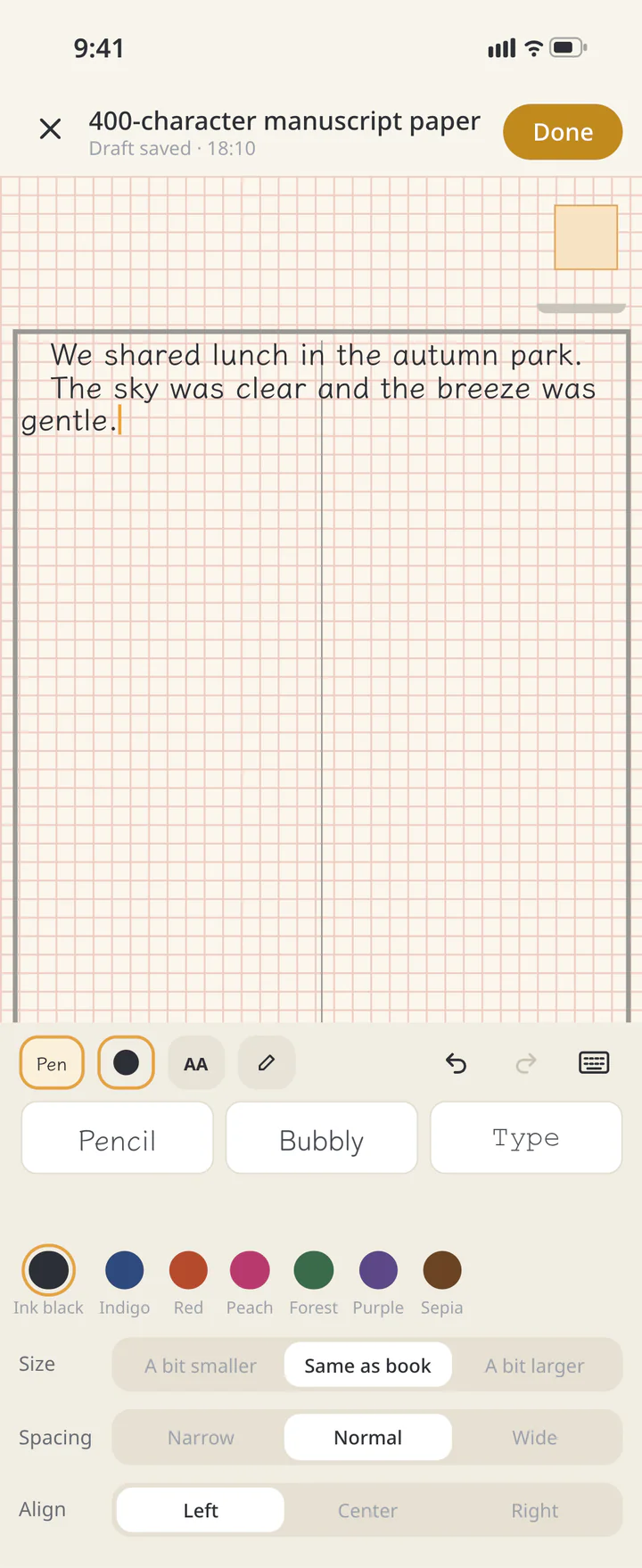 2Write horizontally on 400-character manuscript paper
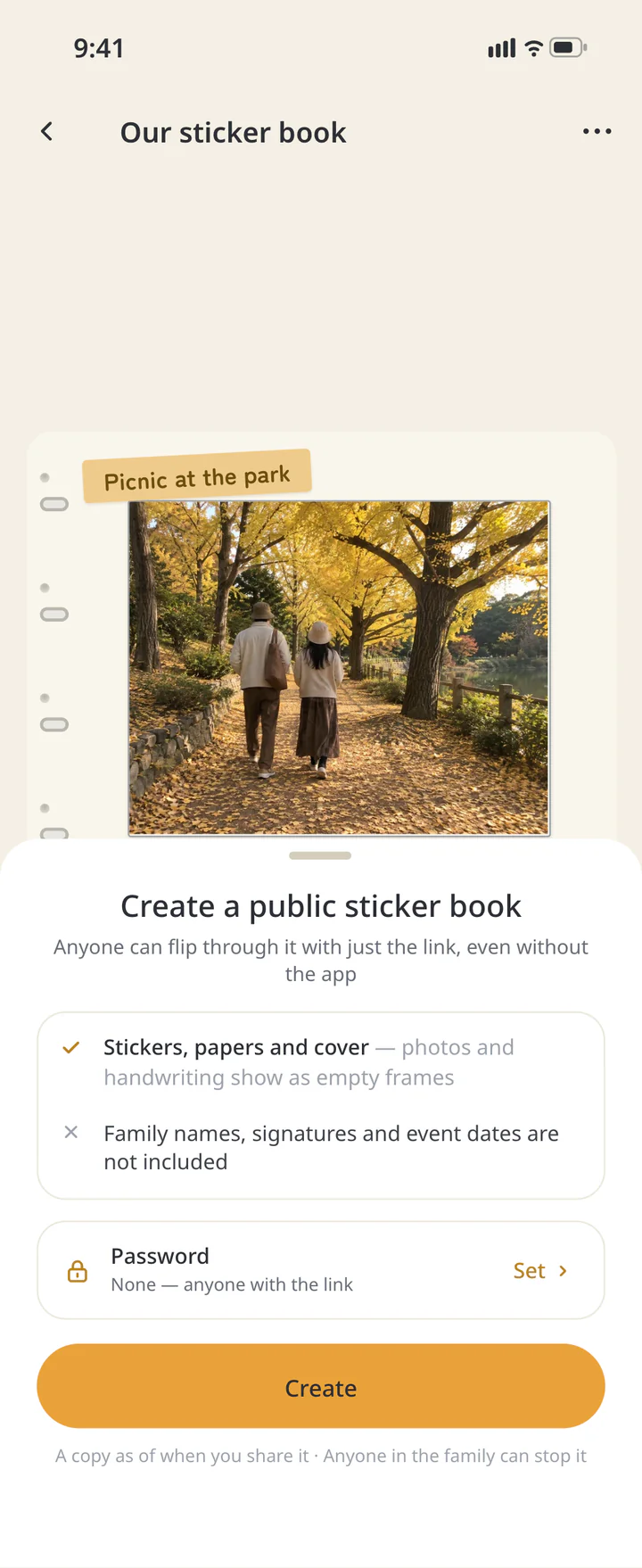 3Choose how to save or share it
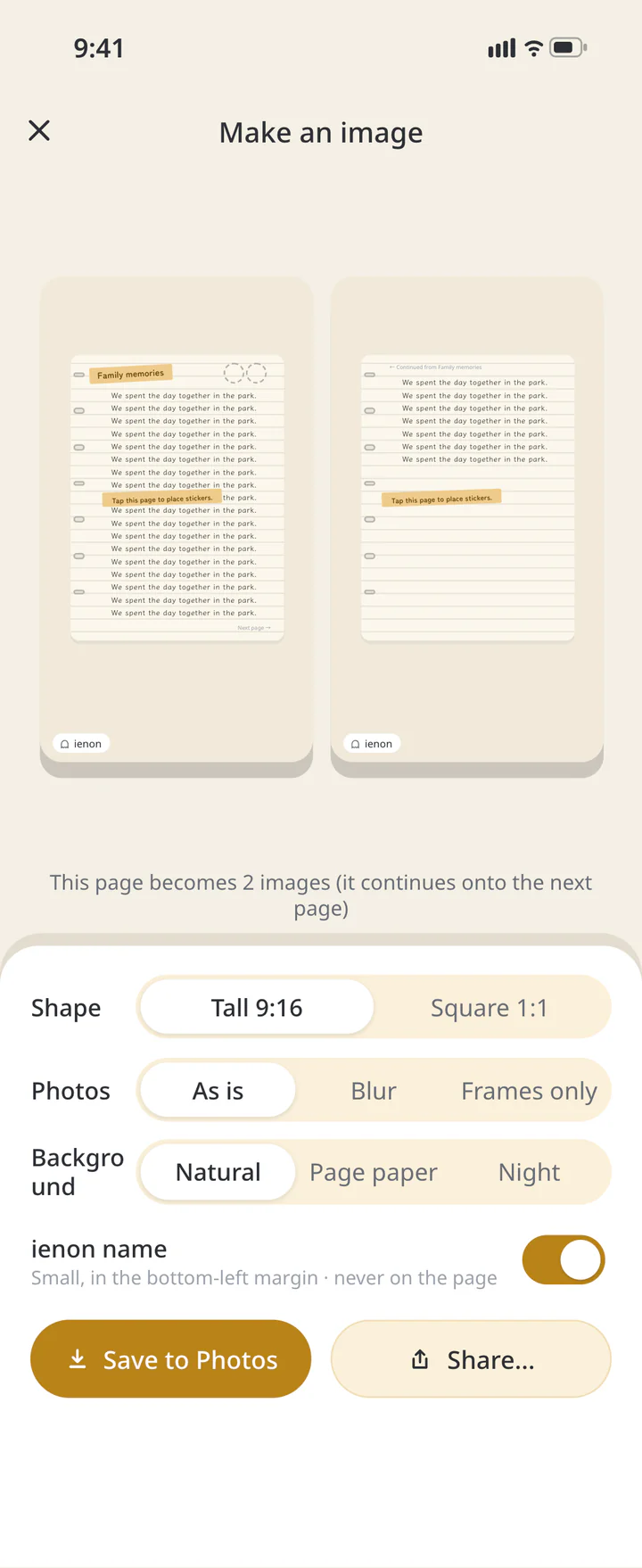 3Check continued pages and text visibility


SAMPLE BOOKS
Five sample books you can copy
The same five books as “Sample books” in the app. Tap “Make with this layout” on a page to put your own photos into the same layout. Four use only free covers, papers and layouts; only the fandom book uses a Premium cover and paper.
Our First Year
Growing upTwelve monthly photos, one more filled in each month.
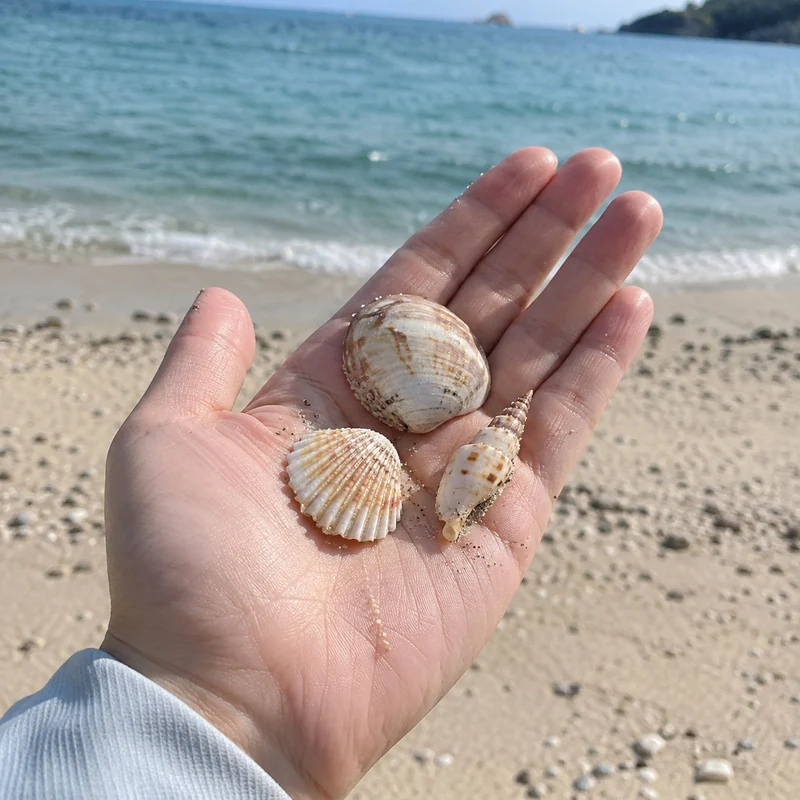
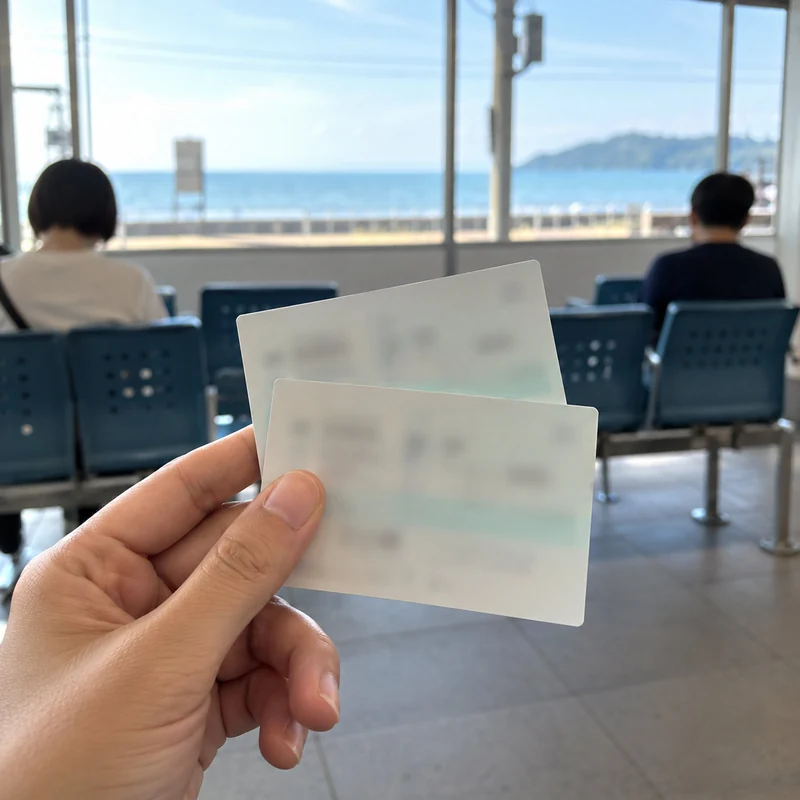
SampleSampleSampleTwo Days by the Sea
TravelTickets, routes and white borders. The layout adds the dates.
SampleSampleSampleOur October
Monthly recordA month in your home — no kids needed. The month name is automatic.
SampleSampleSampleShort Diary
DiaryOnly pages you write on. Days without photos still make a page.
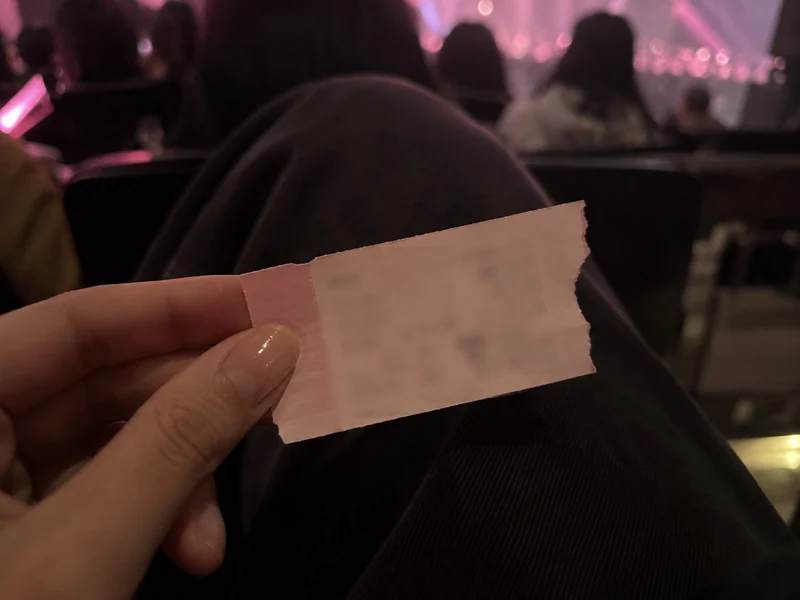
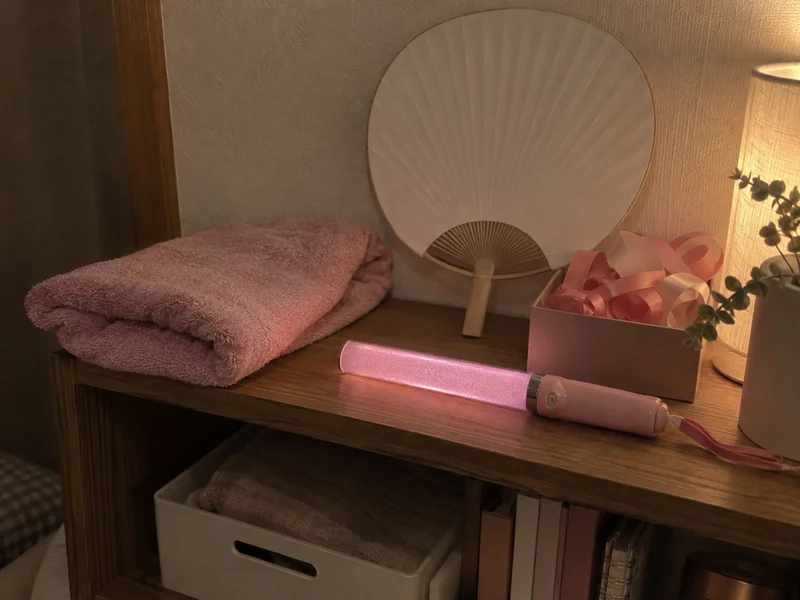
SampleSampleSampleFan Days
Fan lifePremiumA leather cover and a night-sky paper.
SampleSampleSample















































FAQ
Common questions
QCan someone without the app see the photos?
The web link shows photo frames only. To send an image with photos, choose their visibility in image export and review the preview before sending the image. Text you write does not appear in the public web copy.
QCan I add a phone photo without sharing it at home?
Phone photos chosen in this flow are also saved to the family album. Do not select a picture you want to keep only to yourself.
QCan I start for free?
Check availability in the paper picker and start with a free paper. See the Premium information for additional papers and extras.
QDo later edits update the web copy?
The public book is a snapshot. Use “Share again” to update it, or “Stop sharing” to stop sharing.
History: Published October 9, 2026 — checked against app 16.5.0