
STEP BY STEP
Record a mood, write a short diary, and comment
A face can be enough to record how your day felt. Add a few words when you want to, or leave a short comment on a family member’s entry.
Before you start
- 01If a feature is not in your bottom tabs, open it from “Apps”.
- 02Mood and diary privacy differ. The private setting applies to the diary text.
Steps
- 1
Step 1
Open a mood entry
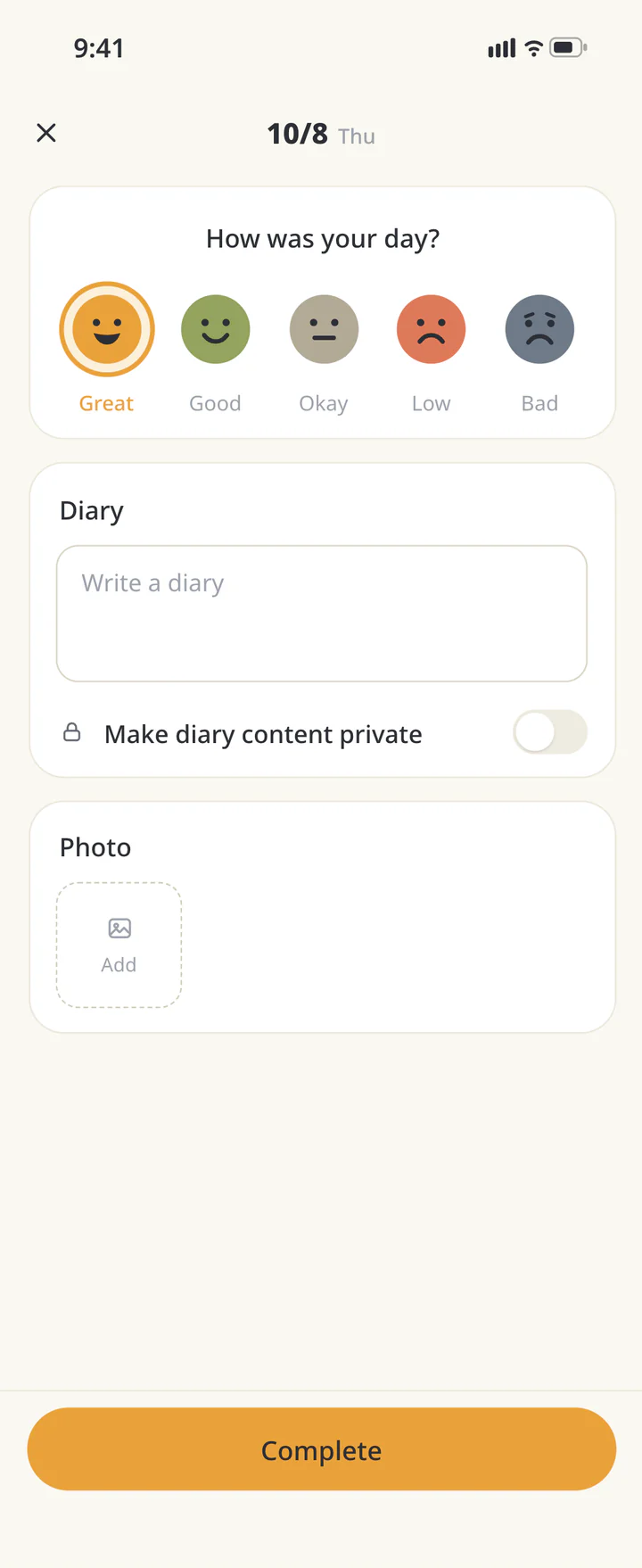
Open “Mood”, select the day, and tap +. Check the date on the entry screen.
Open a mood entry - 2
Step 2
Choose a face and add a diary if you want
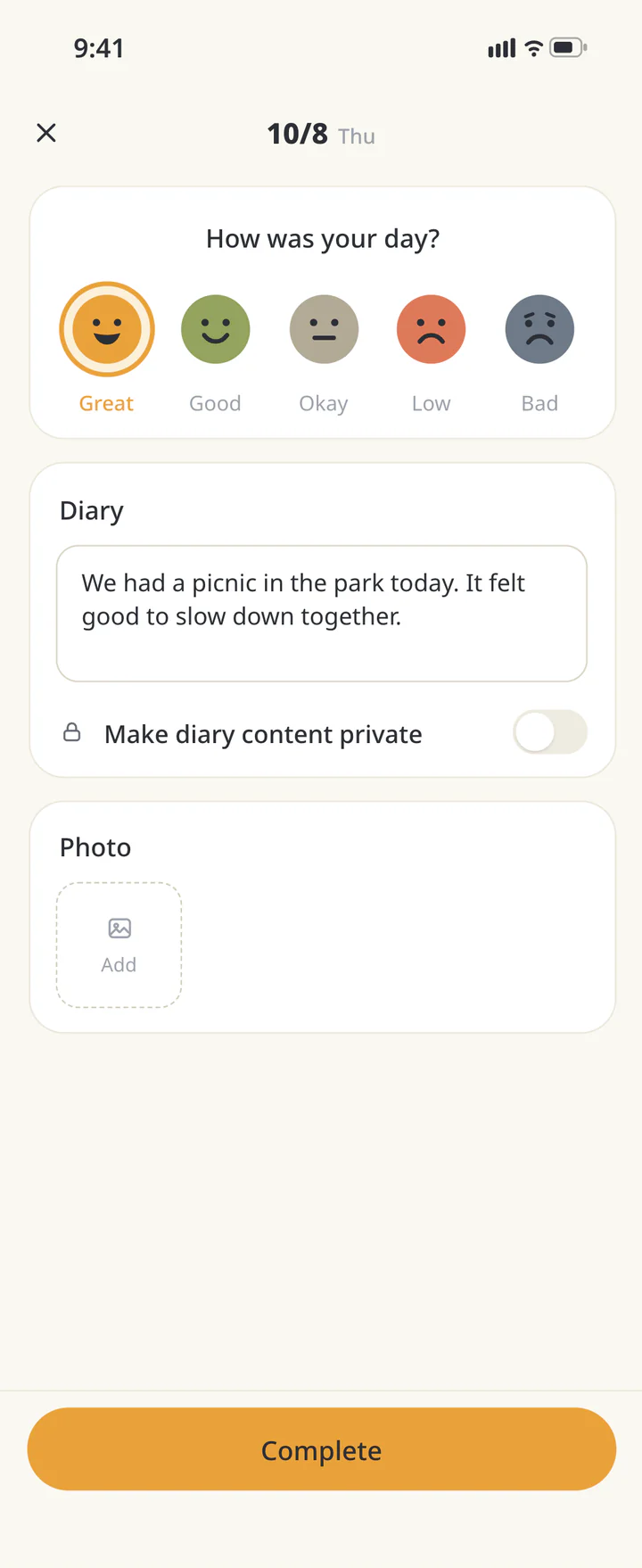
Choose the face that best fits your day. Tap “Write a diary” to add a short entry, such as “I’m tired today and would like an early night”. A sentence is enough.
Choose a face and add a diary if you want - 3
Step 3
Choose whether to share the diary text
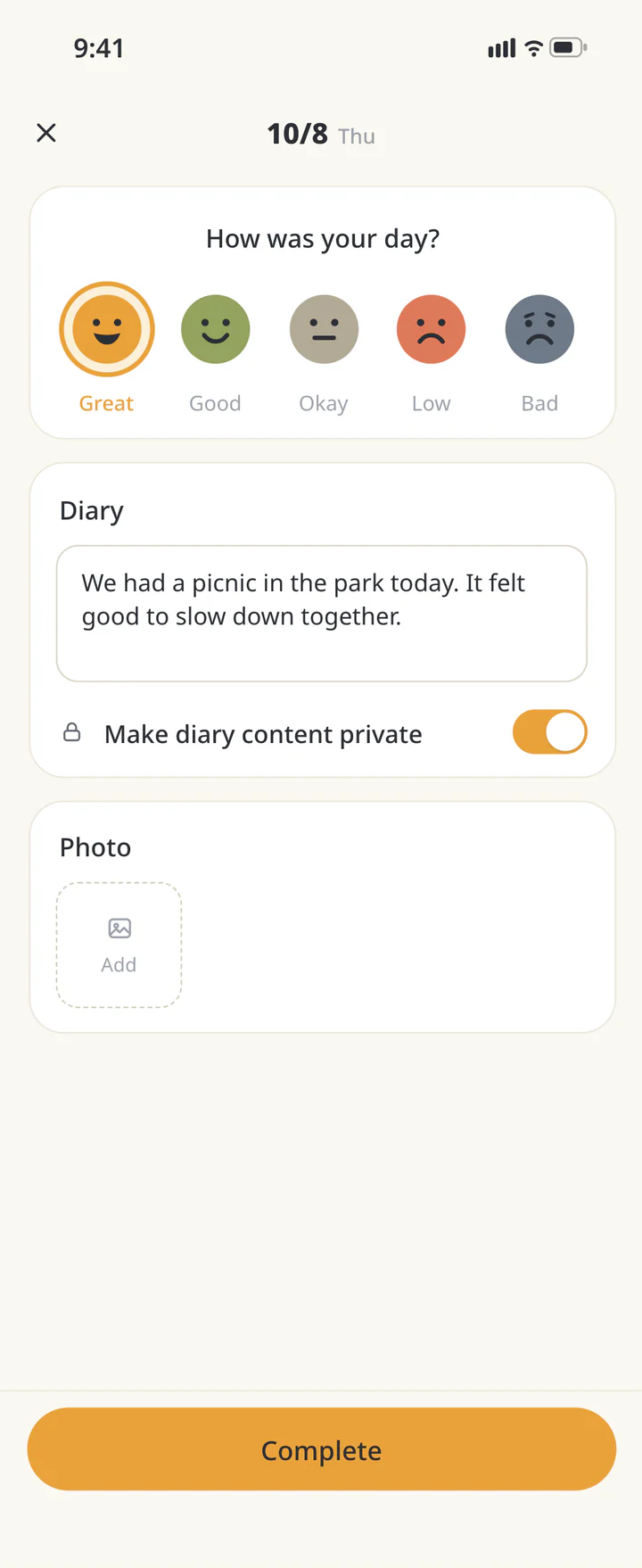
Turn on “Make diary content private” to keep the text to yourself. This does not hide the mood face. Leave it off for a diary you want your family to read.
Choose whether to share the diary text - 4
Step 4
Save and check the entry
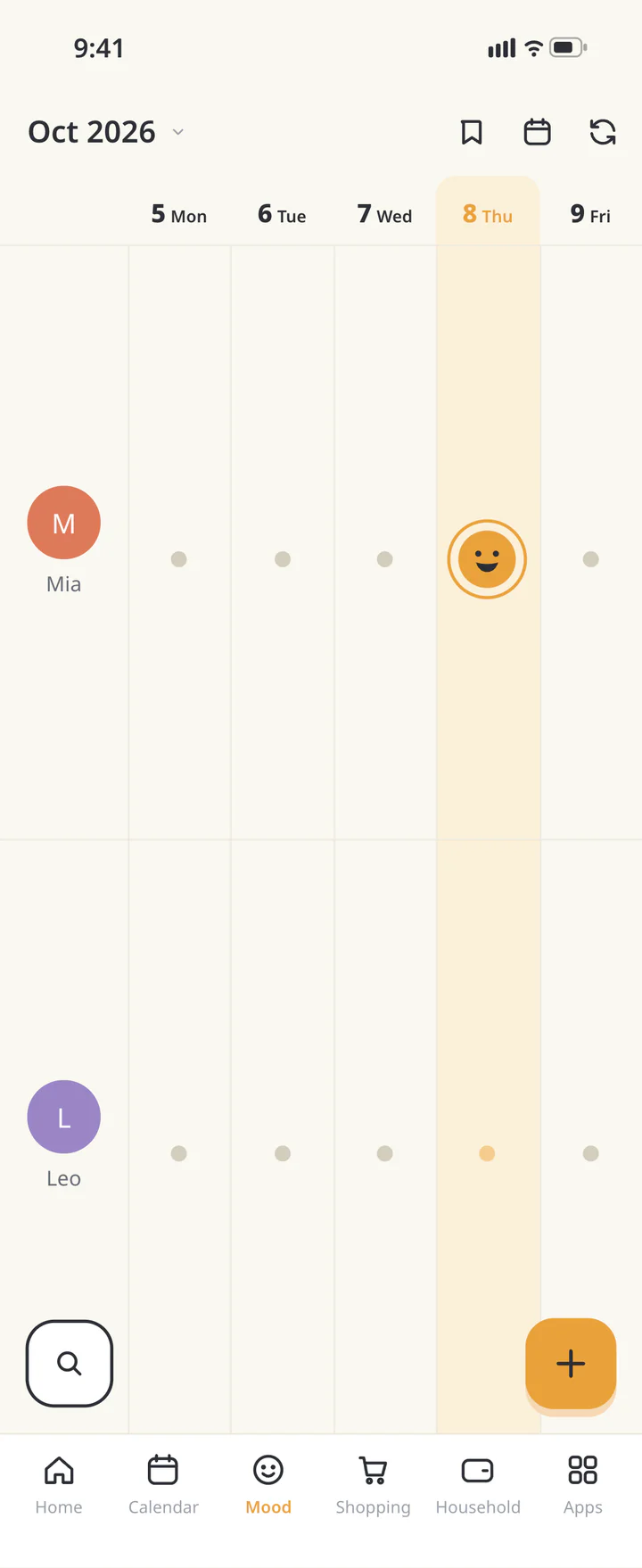
Tap “Complete” and check the day’s entry in the timeline.
Save and check the entry - 5
Step 5
Comment on a family member’s entry
Tap a family member’s entry to open its detail. Write in “Enter a comment” and tap the send icon. Avoid guessing the reason from a face alone; try a gentle note such as “Let’s take it easy today”.
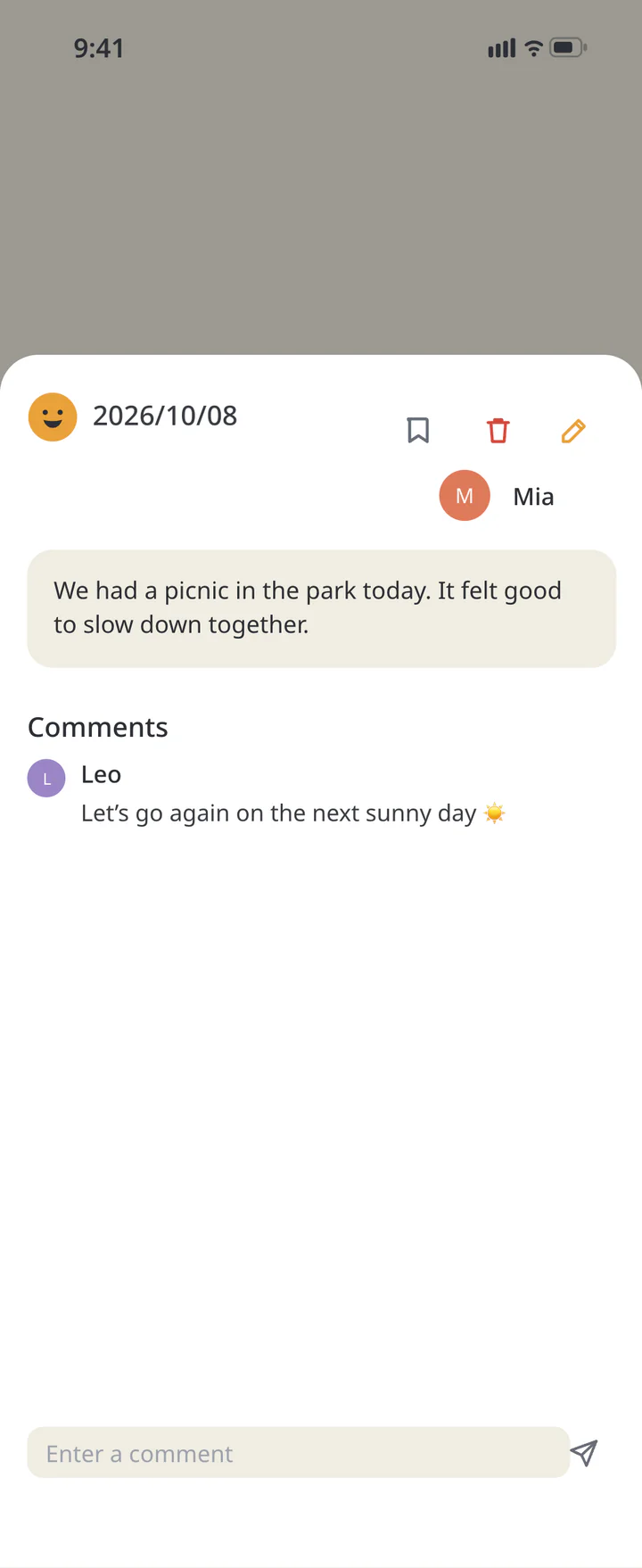
Comment on a family member’s entry


TROUBLESHOOTING
If something doesn’t work
QDo I need to write every day?
You can record a mood with just a face. Add a short note only when you want to.
QDoes private hide the whole mood record?
The private setting hides the diary text. The mood itself is still shared, so keep that in mind when recording.
QCan a mood face tell me how someone is doing?
A face does not explain the reason. Use it as a conversation starter and ask when needed, leaving room for the person to answer in their own time.
Download ienon
Start with one face for today.
History: Published October 9, 2026 — checked against app 16.5.0