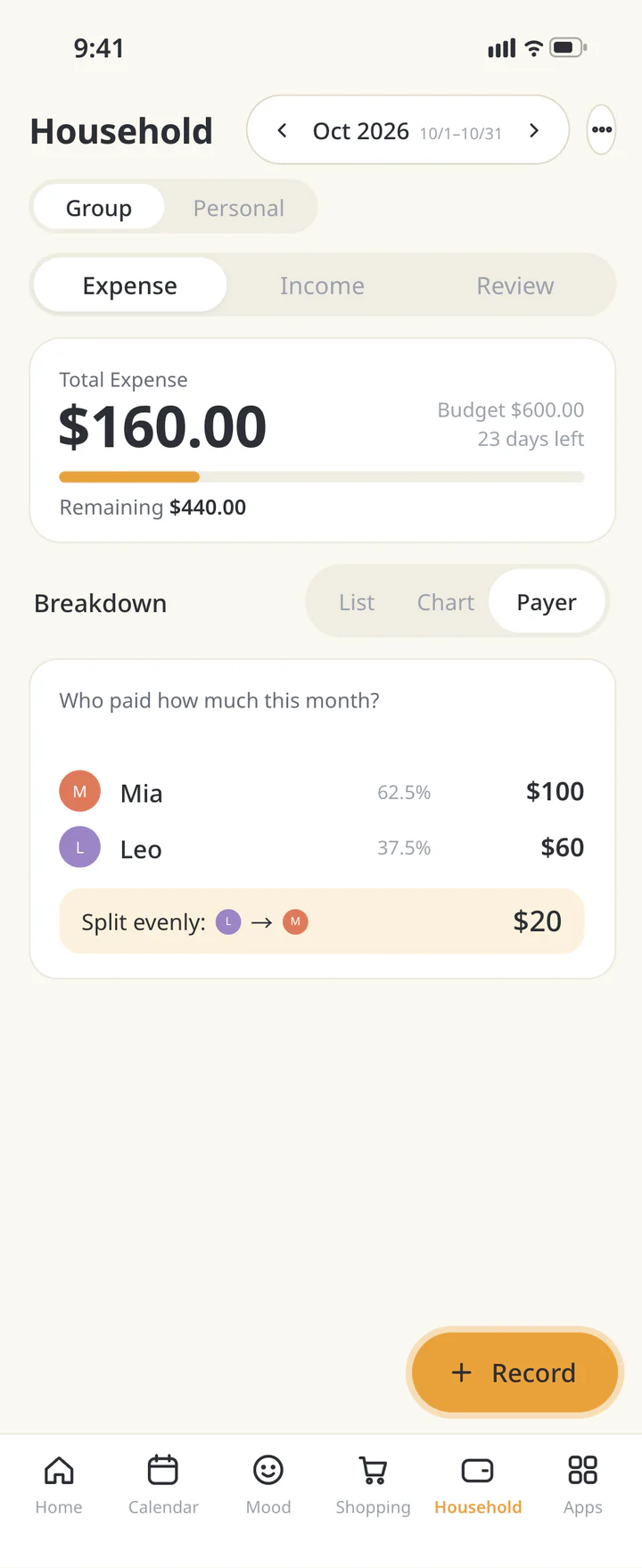
Split Group Expenses
Trips, dinners, shared homes: create a group, share one link, and everyone can add what they paid. No sign-up. Settle up in dollars, down to the cent.

How to split group expenses
- Enter a group name and everyone's names, then choose yourself. A group can have 2 to 50 people, and you can add more later.
- Tap "Create the link", then save the organizer link for yourself first, in your notes or a message to yourself.
- Share the member link in your group chat. Everyone can add who paid, how much, and who to split it with. The organizer can set shares, such as 0.5 for a child.
- Tap "See settlement" to see who pays whom and how much. Tap "Paid" after each transfer. Once everyone has paid, the organizer can close the group.
FAQ
- Do I need to sign up or log in?
- No. The organizer and members can use it for free. Just enter names, amounts, and what each expense was for.
- What if I lose the organizer link?
- The organizer link can't be reissued, so save it somewhere first. The member link still works for adding expenses and seeing the settlement.
- Can a child count as half a share?
- Yes. Everyone counts as 1 share by default. The organizer can set each person from 0.1 to 10 shares, and a parent can settle for their kids.
- What happens to leftover cents?
- Amounts are split down to the cent. If the payer is part of the split, they cover the leftover cents. Otherwise, the people splitting each cover 1 cent until it's all assigned.
- Can I restore an expense I deleted by mistake?
- Yes. Open "See history", then "Deleted expenses" to restore it. The history keeps up to 1,000 changes (details of deleted expenses for the latest 100).
- Will my group show up in search results?
- No. But anyone with the member link can view and edit it, so don't enter private details such as medical information.
- How long is a group kept?
- 180 days after the last change. The deletion date is shown at the bottom of the group page, and the organizer can delete the group earlier.