
STEP BY STEP
Return to your Home on a new phone
You do not need to create a new Home when changing phones. Use the same sign-in method and account, then choose the Home you already used.
Before you start
- 01Make sure you can access the Apple ID or Google account you used before.
- 02Have the Home name and one familiar record in mind so you can recognize it.
Steps
Which side are you on?
- 1
Step 1
Open ienon and reach sign-in
Install ienon on the new phone and follow the introduction to sign-in. The same sign-in entry is used after logging out.
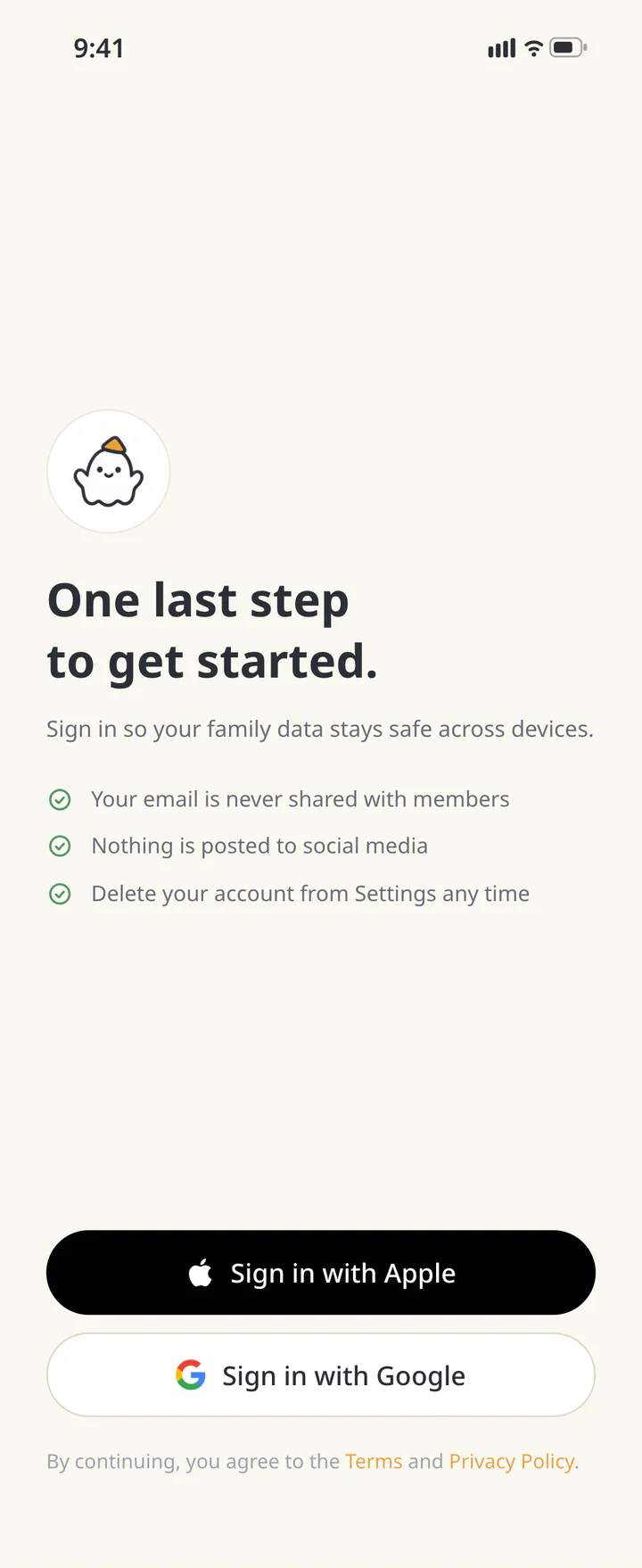
Open ienon and reach sign-in - 2
Step 2
Use the same method and account
Choose “Sign in with Apple” if you used Apple before, or “Sign in with Google” if you used Google. Authenticate with the same account. A matching email address alone does not guarantee access through a different sign-in method.
Use the same method and account - 3
Step 3
Choose your existing Home
In “Choose a Home”, select the Home you used before. If you belong to more than one, choose the one you want to return to.
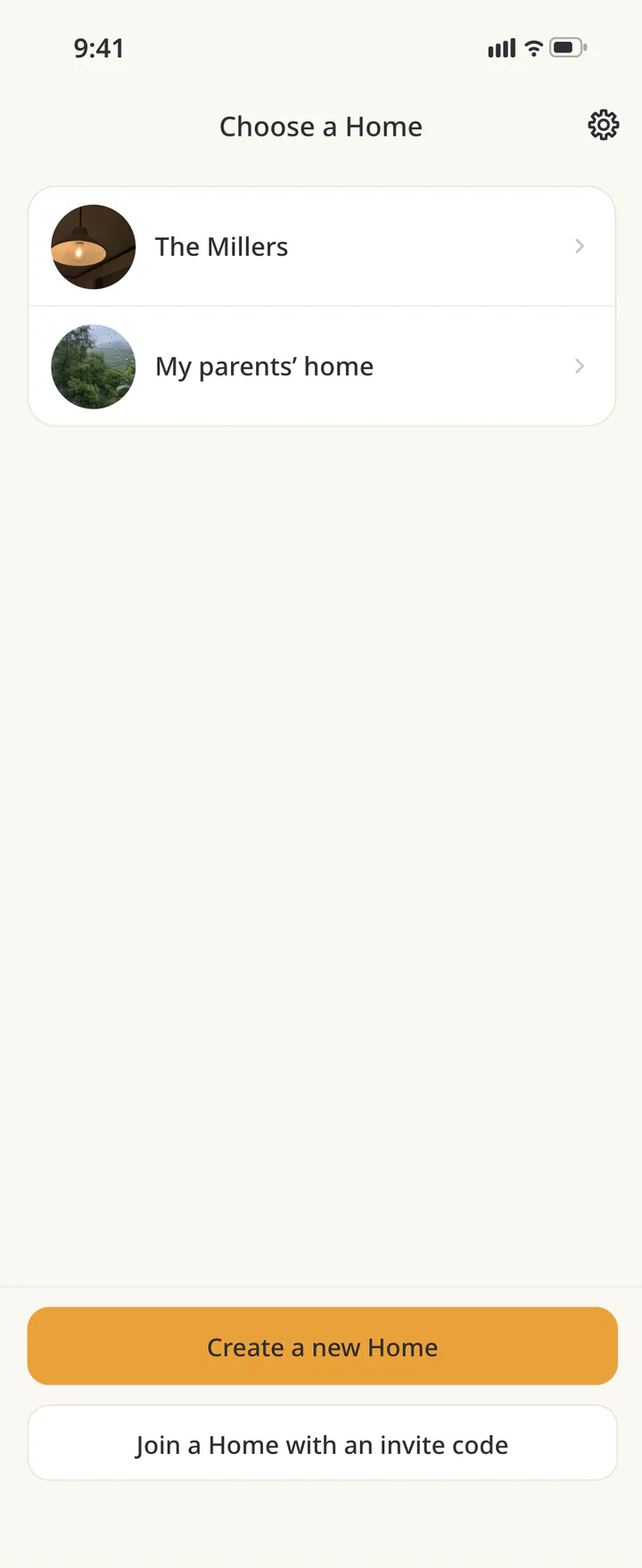
Choose your existing Home - 4
Step 4
Check a familiar record
Open “Calendar” or another feature and check a familiar record. If you only see a new-Home form or an empty Home, check your sign-in method and account first.
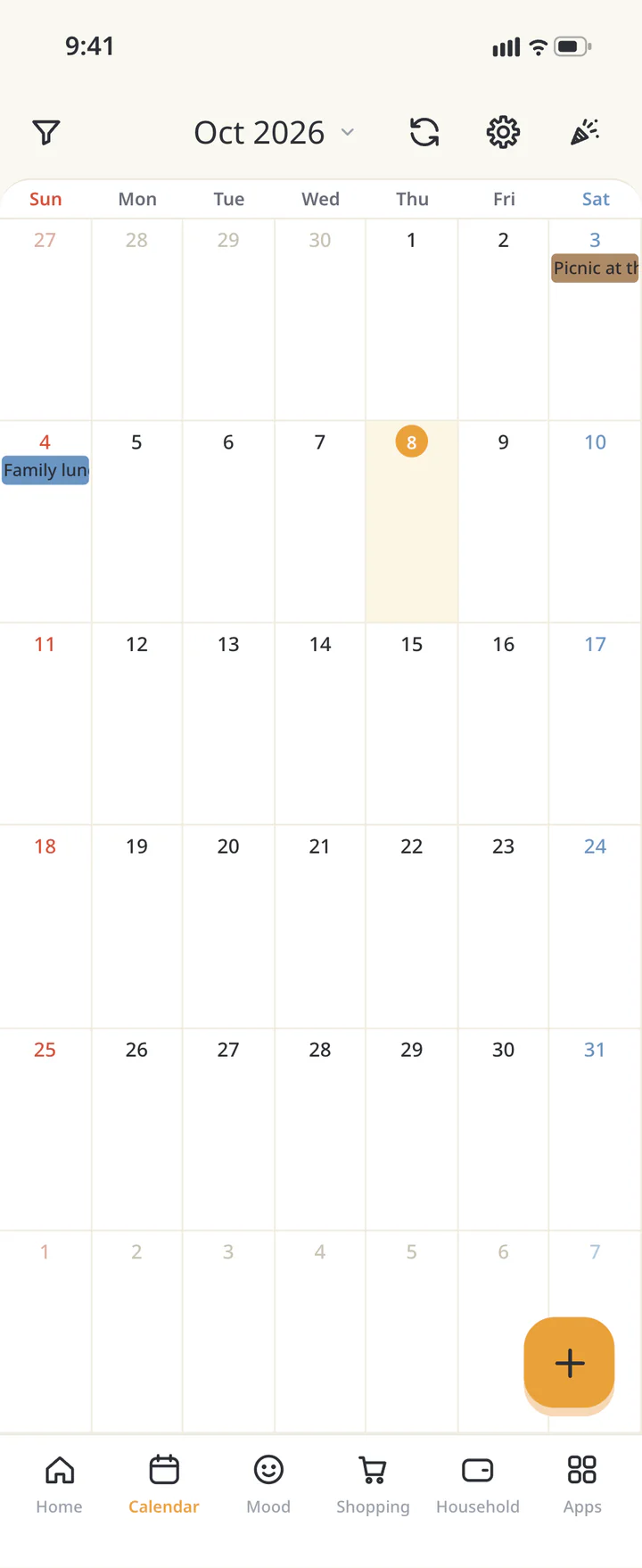
Check a familiar record - 5
Step 5If needed
Switch if you opened another Home
Tap your profile image in “Home”, open “User Settings”, and use “Choose a Home” to switch. If your account is not a member of the family’s Home, follow the invitation guide to join it.
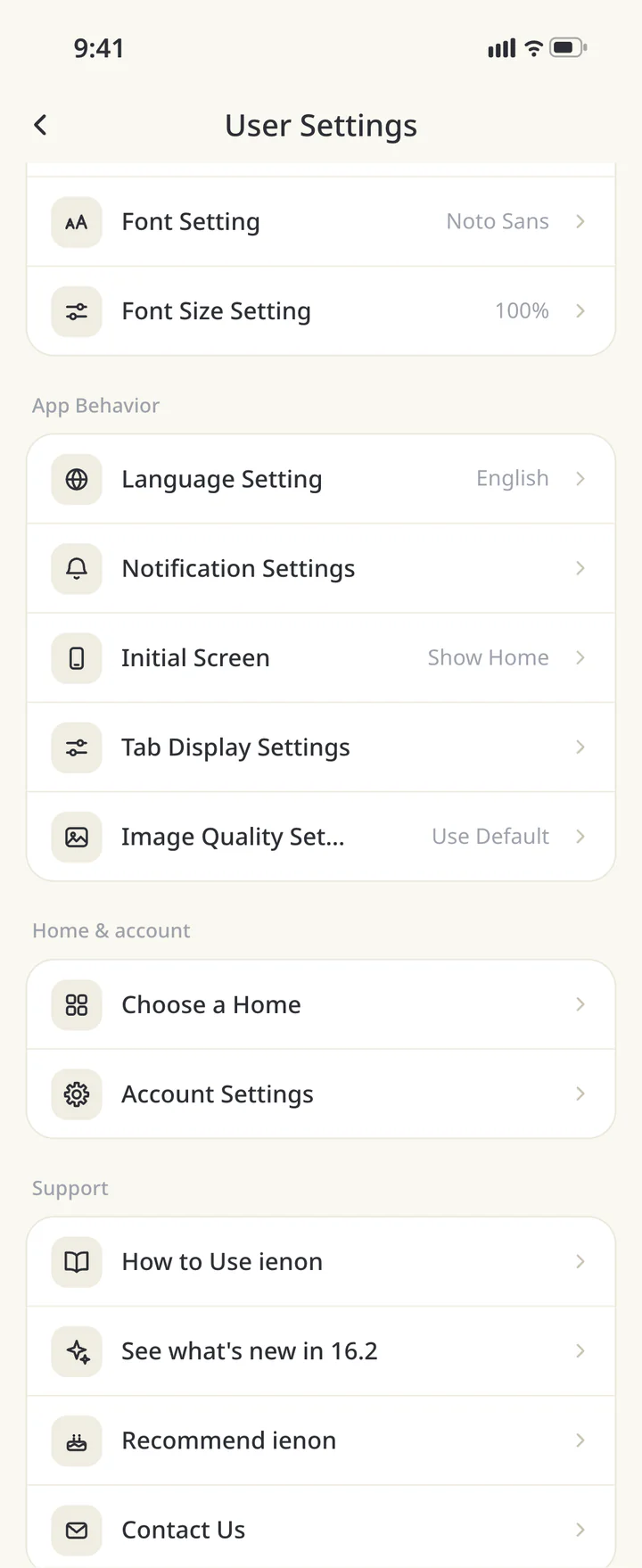
Switch if you opened another Home


TROUBLESHOOTING
If something doesn’t work
QI used Apple and now have an Android phone.
Sign in with Apple isn’t available on Android. Choose “Sign in with Google”, then ask your old iPhone or another member to create an invitation code from “Invite” in the menu. On the first screen, choose “I was invited” and enter the code in “Enter Invitation Code” to return to your original Home. The Home’s records stay. Premium can’t move to Google Play. If you subscribe again on Google Play, cancel it in the App Store first. Don’t delete your old account until the move is done.
QCan I combine records from separate Homes?
Choosing a Home switches which one you use. Select the Home containing your original records and check its content. If it is missing, check the original account and Home membership.
Download ienon
Keep using the same Home on your new phone.
History: Published October 9, 2026 — checked against app 16.5.0